


Key takeaways
- A receipt scanner app photographs paper receipts and converts them into searchable digital records, typically using OCR (optical character recognition) to extract merchant, date, and amount data automatically.
- The biggest practical benefit isn't organization -- it's audit protection. Having a digital record with a timestamp is far stronger than a faded thermal receipt stuffed in a junk drawer.
- For freelancers and the self-employed, receipt scanning closes the gap between what you actually spent and what you can actually prove at tax time.
- Not all receipt apps connect to your bank account. Some work entirely offline with manual capture, which is useful if you prefer to keep your financial data private.
- The IRS accepts digital receipt scans as valid documentation, as long as the records are legible and contain the required information.
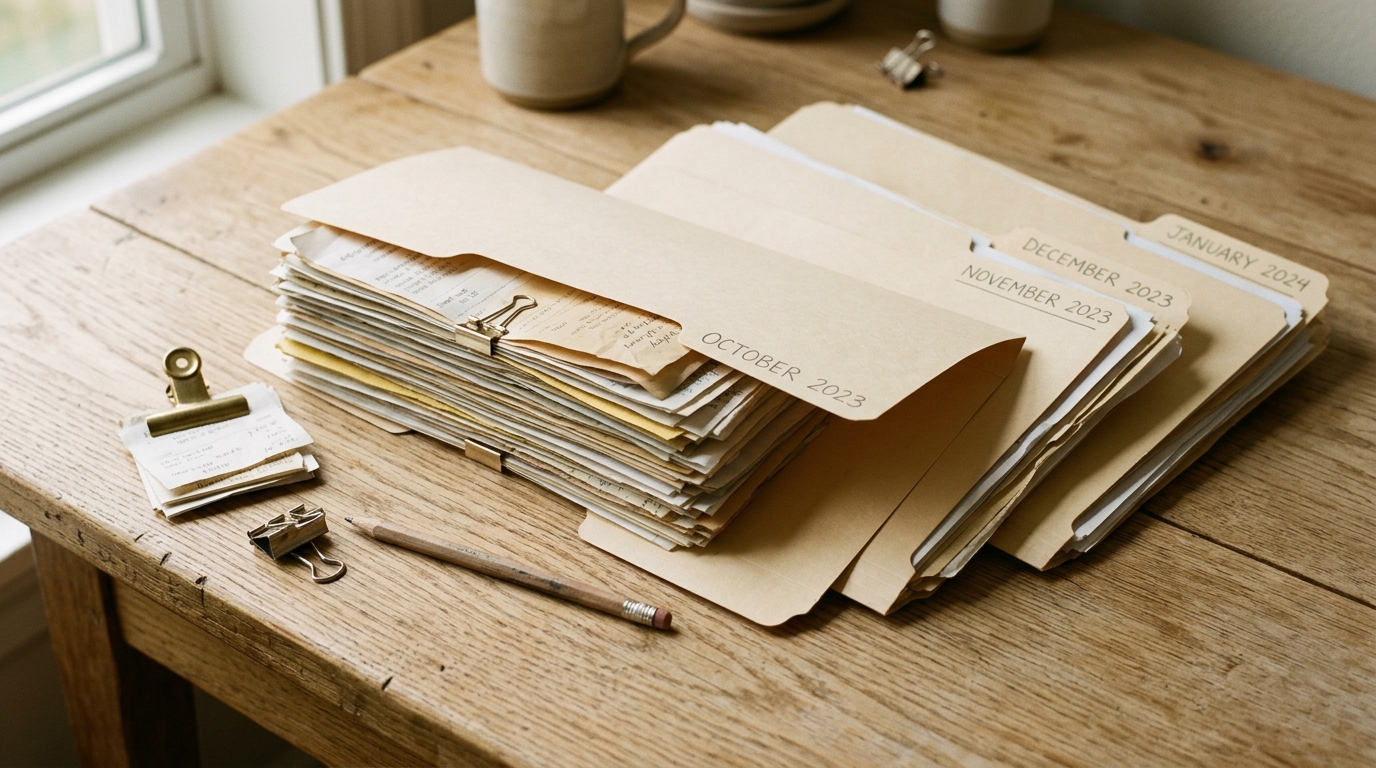
If you've ever spent 45 minutes digging through a pile of receipts to find one specific transaction before a tax deadline, you already understand the core problem that a receipt scanner app is designed to solve. The paper receipt system doesn't actually work. Thermal paper fades, folders overflow, and most people can't remember why they kept a particular receipt in the first place.
Digital receipt management has been around long enough to move past the "interesting idea" phase and into something genuinely useful. The tools have gotten better, the OCR accuracy has improved substantially, and for anyone tracking expenses seriously -- whether for a business, freelance work, or personal budgeting -- going digital with your receipts is one of those changes that quietly saves you significant time every year.
This article covers what receipt scanner apps actually do, why the benefits go deeper than simple organization, and what to look for when choosing one.
What is a receipt scanner app?
A receipt scanner app is exactly what it sounds like: an app that photographs your receipts and stores them as digital records. Most modern scanner apps go further than simple photo capture, though. They use optical character recognition (OCR) to read the printed text on your receipt and automatically extract the merchant name, date, total amount, and often the line items.
The practical result is a searchable archive. Instead of digging through a folder labeled "RECEIPTS 2024 MISC," you can search by merchant, filter by date range, or pull up everything you spent at hardware stores in a given quarter. That's a meaningfully different experience from the shoebox approach.
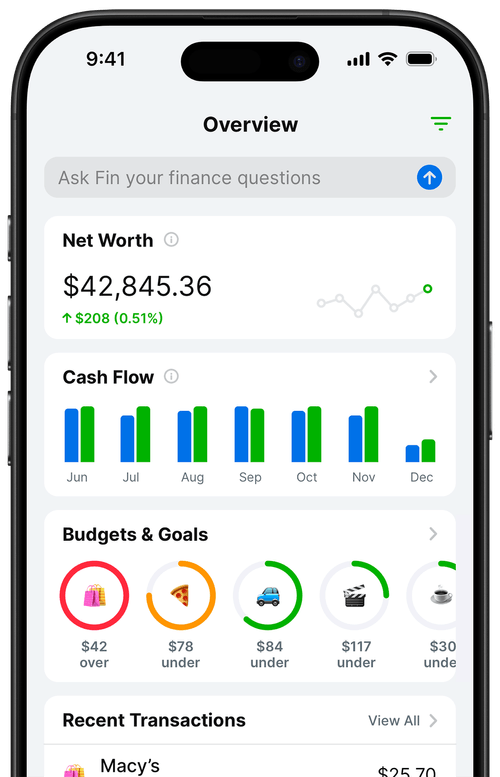
Receipt scanner apps fall into a few categories. Some are standalone apps focused purely on capture and storage. Others are part of broader expense management platforms that also handle mileage tracking, expense reports, and accounting software integrations. And some budgeting apps now include receipt scanning as a feature, which is how Balance Pro Ultra handles it -- the AI receipt scanner pulls data from your receipts and adds the transaction directly to your spending history without requiring manual entry.
How does receipt scanning work?
The process is straightforward. You open the app, photograph the receipt with your phone's camera, and the app processes the image. OCR software analyzes the photo and attempts to identify key data fields: the merchant, the transaction date, the subtotal, and the total. Better apps also capture line-item detail, which is useful for grocery receipts or mixed-category purchases.
Quality matters here. Apps vary considerably in how accurately they extract data, particularly from faded or crumpled thermal receipts. The best apps handle these gracefully. Weaker ones require you to manually correct every other extraction -- which defeats much of the purpose.
Once extracted, the data is stored in the app's database and synced to the cloud (in most cases). You get a digital record of the transaction alongside the original photo of the receipt. If you're ever questioned about a specific purchase, you have both the data and the source document.
Some apps add a categorization layer on top of this, automatically tagging expenses by type based on the merchant. A coffee shop receipt gets tagged as "Food and Drink." A hardware store receipt gets tagged as "Home Improvement." The categorization is imperfect and often needs manual correction, but it provides a reasonable starting point for anyone tracking spending by category.
What are the key benefits of using a receipt scanner app?
The obvious benefit is organization. But the less obvious benefits are often the more valuable ones.
Thermal receipts don't last
Most point-of-sale receipts are printed on thermal paper, which uses heat-sensitive ink rather than a traditional dye. The ink starts degrading within months, and in high-heat or high-humidity environments it can fade significantly faster. A receipt you need to reference in three years for an IRS audit is very likely illegible if you kept it in paper form. Scanning immediately after purchase solves this problem entirely -- the digital image is permanent.
You stop losing receipts
The average paper receipt doesn't make it home. It gets left at the restaurant, falls out of a jacket pocket, or ends up crumpled at the bottom of a bag. Even people with good intentions about saving receipts consistently lose a meaningful portion of them. With a scanner app, the friction of capture is low enough that it actually happens: you scan before you pocket the receipt, and the record exists regardless of what happens to the paper.
Search makes everything faster
Finding a specific receipt in a physical folder requires knowing approximately when you made the purchase, knowing which folder it would be in, and then physically sorting through a stack of paper. Finding the same receipt in a scanner app takes about ten seconds. If you're reconciling expenses, preparing for taxes, or tracking down a warranty purchase, search is a fundamentally different capability than sorting.
Cloud backup protects against real loss
A fire, a flood, or a simple spill can destroy years of paper records. Cloud-synced digital records survive any physical loss event. For tax documentation -- where the IRS can audit returns up to three years back, and up to six years if there's a substantial understatement of income -- that kind of protection matters.
How does receipt scanning help at tax time?
This is where receipt scanning earns its keep for most people, particularly freelancers and anyone with self-employment income.
When you claim a business deduction, you need documentation. The IRS's requirements for receipt documentation are specific: the record should show the amount, date, place, and business purpose of the expense. A digital scan of a receipt satisfies all of those requirements. The IRS has formally recognized the validity of digital records since Revenue Procedure 98-25, and that policy has only become more permissive over time as document scanning became ubiquitous.

The practical benefit at tax time is that you're not doing emergency archaeology through months of paper. Your expenses are already categorized (or close to it), your records are searchable, and you can export the data your accountant or tax software needs without spending a weekend on it.
For freelancers specifically, the stakes are higher because a larger portion of spending is potentially deductible. Home office costs, software subscriptions, equipment purchases, professional development, travel -- all of these require documentation. The person who scanned their receipts throughout the year is in a fundamentally different position than the person who spent January trying to reconstruct their expenses from bank statements.
What records does the IRS require you to keep?
For most business expenses, you should keep documentation for at least three years from the date you file the return claiming the deduction. If you underreported income by more than 25 percent, that extends to six years. If you never filed a return, or filed a fraudulent one, there's no limit. The three-year rule covers most people's practical needs, but receipts are small enough data that it's worth keeping them longer. Hard drive space is cheap; IRS penalties are not.
What should you look for in a receipt scanner app?
The market has a lot of options, and they vary in ways that matter depending on how you use them.
OCR accuracy
This is the foundation. If the app can't reliably read your receipts, you'll spend more time correcting errors than you save on capture. Most apps are good on clean, printed receipts from modern POS systems. The quality differences show up on faded receipts, handwritten receipts, and receipts with unusual formatting. If you do a lot of purchasing at small businesses or farmers markets, test a few apps on your most difficult receipts before committing to one.
Integration with your budgeting workflow
A standalone receipt archive has some value, but it's most useful when the data connects to something. That might mean integration with accounting software like QuickBooks or Wave, or it might mean direct integration with a budgeting app. The goal is that a captured receipt results in a categorized transaction in your financial picture without requiring you to manually re-enter anything.
Privacy and data handling
Receipt data is financial data. You're giving the app access to information about where you shop, what you buy, and how much you spend. Before choosing an app, it's worth understanding how that data is stored, whether it's sold to third parties, and what happens to your records if you cancel your subscription. Some apps are explicit about this; others are not.
Export options
You want to be able to get your data out. CSV export at minimum, ideally with the ability to export by date range or category. If you're ever switching apps, or handing data to an accountant, export functionality becomes important quickly. Don't pick an app that makes your data a hostage.
Manual entry as a fallback
Scanning works well for paper receipts. But plenty of transactions don't come with a paper receipt at all: bank transfers, online purchases where the receipt is an email, subscription charges, peer-to-peer payments. A good expense tracking workflow handles both scanned receipts and manual or imported transactions. Apps that are purely scan-focused leave you with an incomplete picture.
Frequently Asked Questions
Does the IRS accept digital receipt scans instead of paper receipts?
Yes. The IRS accepts digital records as valid documentation for tax purposes, provided the records are accurate, legible, and complete. Revenue Procedure 98-25 established this, and the policy has remained consistent. The key requirements are that the record shows the amount, date, place, and business purpose of each expense.
How long should I keep digital receipt records?
At minimum, three years from the date you file the return that includes the deduction. If you underreport income by a substantial amount, the IRS has six years to audit. Because digital storage is essentially free, keeping receipts for seven or more years is a reasonable precaution. The IRS outlines record retention guidelines on their website at irs.gov.
Can I throw away paper receipts after scanning them?
For most purposes, yes -- once you have a clear, complete digital scan stored in a cloud-backed system, the paper receipt is redundant. The exception is receipts for high-value items with warranties, where the physical receipt may be required for a return or claim. For tax purposes, the digital scan is sufficient.
What's the difference between a receipt scanner app and a budgeting app?
A standalone receipt scanner app captures and stores receipts; it doesn't necessarily help you understand your spending patterns or set budget targets. A budgeting app tracks income and expenses against category targets. Some budgeting apps now include receipt scanning as a built-in feature, which is the more useful configuration -- the captured data feeds directly into your spending history without any additional steps.
Do receipt scanner apps work for digital or emailed receipts?
Many do. Apps like Expensify and some budgeting platforms let you forward email receipts to a designated address, where they're parsed and added to your records automatically. Others let you screenshot digital receipts and upload them the same way you'd upload a scanned paper receipt. Coverage varies by app, so if email receipts are a significant part of your purchasing, confirm the app handles them before signing up.
Is receipt scanning worth it if I already connect my bank account to a budgeting app?
Bank sync handles most of your transactions automatically, but it doesn't capture the documentation behind each purchase. For tax deductions, knowing you spent $340 at a hardware store isn't enough -- you need the receipt showing what you bought and why it qualifies. Receipt scanning complements bank sync by adding that documentation layer to the transactions your bank connection already imports.
The bottom line
Receipt scanner apps are genuinely useful -- but the full value only shows up when the scanned data connects to something. A receipt archive in isolation helps at tax time. A receipt scanner that feeds into your expense tracking workflow helps all year, making your spending visible and documented without requiring you to manually maintain both a photo archive and a transaction log.
If you want to dig further into related topics, these articles cover the surrounding context:
- Does the IRS Accept Digital Receipt Scans for Taxes?
- How Long Do I Need to Keep Receipts?
- How to Scan and Organize Digital Receipts