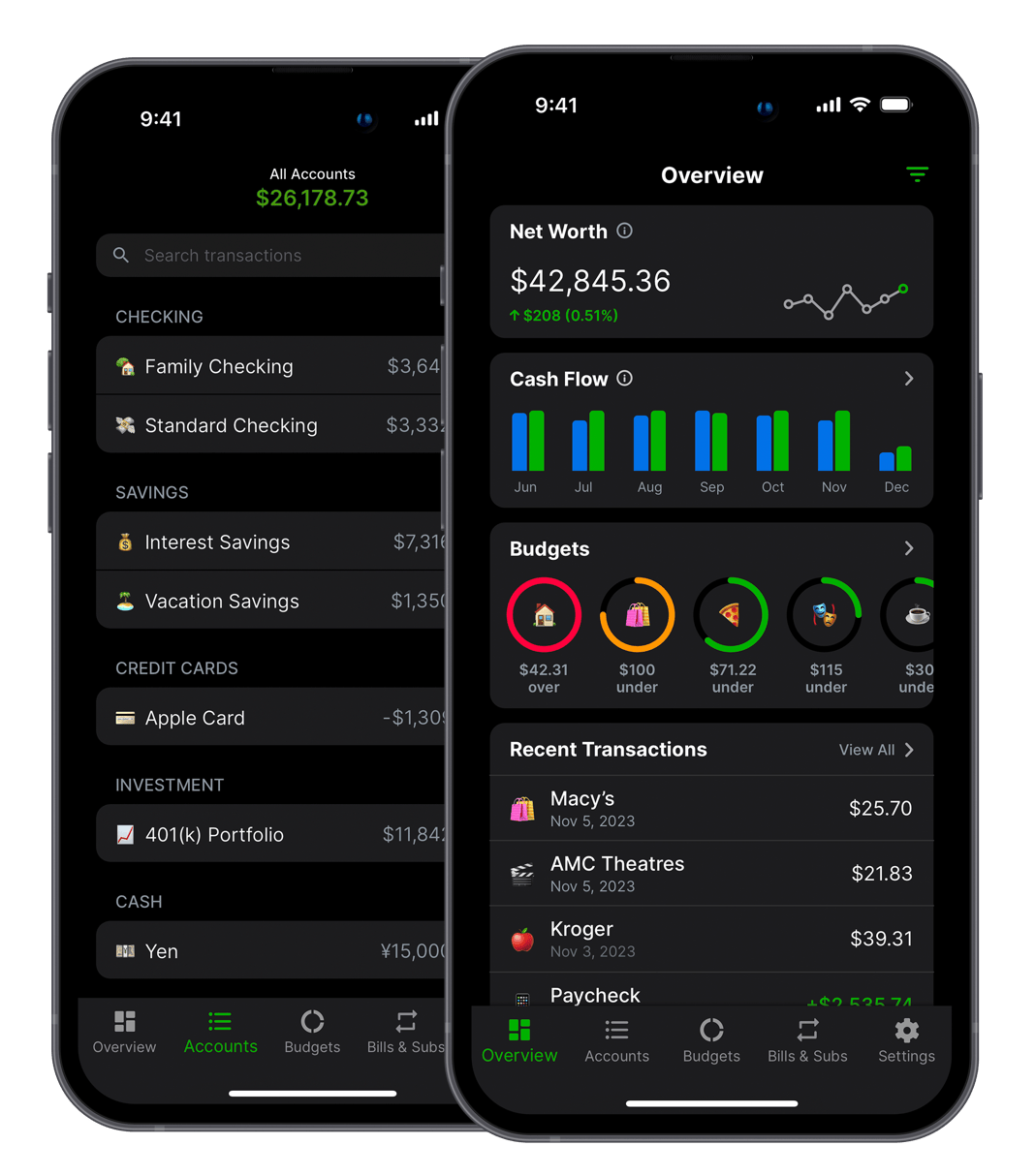


Key takeaways
- A 5–10 minute weekly review beats a perfect monthly one — frequent enough to catch problems before they compound, fast enough to actually stick.
- Spreadsheets work great in January. Apps work great in September. Pick the method you'll still be using six months from now.
- Combine groceries and dining out and overspending hides. Split them and the gap is usually obvious.
- If you've tried a spreadsheet twice and quit both times, that's data. Accept it and switch.
- When you fall off, don't reconstruct the past — start fresh from today. Everyone falls off. The habit isn't a streak.
Most people have a rough idea of what they spend each month. Rent is whatever rent is, groceries feel more expensive than they used to, and the last Amazon order was probably a mistake. A rough idea is not the same as actually knowing, and the gap between the two is usually where financial stress lives.
I've been building Balance Pro since 2014, which means I've spent more than a decade watching how people actually track their money, not just how they say they do. The biggest lesson wasn't about budgeting. It was about tracking. A budget only works if you know what's actually going out, and "knowing" is a surprisingly hard problem when your money is spread across four cards, two banks, and a handful of subscriptions you forgot existed.
The frustrating part is that tracking, done even casually, pays off fast. People who look at their spending once a week almost always spend less within a month or two, not because they force themselves to cut back, but because the act of looking changes behavior on its own. You can't negotiate with a number you've never seen, and most of us have never actually seen the real number. We've seen the one in our head, and the one in our head is wrong in a predictable direction.
The hard part has never been the math. It's finding a system that survives the second week of a busy month, the kind of week where you skip three workouts, eat takeout four nights in a row, and forget you even had a budgeting app on your phone. A good tracking system is one you can ignore for two weeks and still come back to without feeling behind.
Here are the four methods I've seen work, in order of how many people still use them a year later.
Can you just track spending in your head?
Mental accounting is what most people are already doing whether they call it that or not. You keep a running tally: roughly $800 left for the month, a sense that you've been eating out too much, and a quiet suspicion that the last Amazon order was a mistake.
Where it holds up: Simple finances. One income, one rent payment, few discretionary categories. If you earn $50K, pay $1,000 for a studio, and have no debt, a ballpark mental model probably is enough.
Where it falls apart: The second your financial life picks up any complexity, mental accounting stops working. Irregular income, multiple accounts, a side hustle, anything that introduces variance. Your brain also quietly underestimates. You remember the $400 Costco run, not the nine $12 coffees. The $400 is honest. The $108 in coffee is the reason you're short at the end of the month.
Will bank alerts catch what you actually need?
Every major bank will send you push alerts on transactions over a threshold and weekly balance summaries if you turn them on. Pair that with a monthly scroll through your statement and you're already ahead of most people you know. The barrier to entry is zero.
Where it holds up: A 30-minute statement review on the first of the month catches most overspending patterns. I ran on this system for most of my twenties and it was fine. If you only ever do this and nothing else, you have a functional baseline.
Where it falls apart: Statements are backward-looking. By the time you notice that March dining hit $620, April is five days in and you've already had brunch twice. Bank alerts give you awareness of individual transactions but don't aggregate anything. You can't see that a subscription you barely use has quietly cost you $340 this year because the charge was $19 and $19 and $19, and your brain is not built to track that pattern.
Do spreadsheets actually work long-term?
Here's where I'll be honest with you: a well-built spreadsheet is one of the most powerful personal finance tools ever made. I've seen friends run the same budget sheet for a decade. Full category customization, net worth tracking, charts, scenario modeling. It's legitimately the best system if you maintain it.
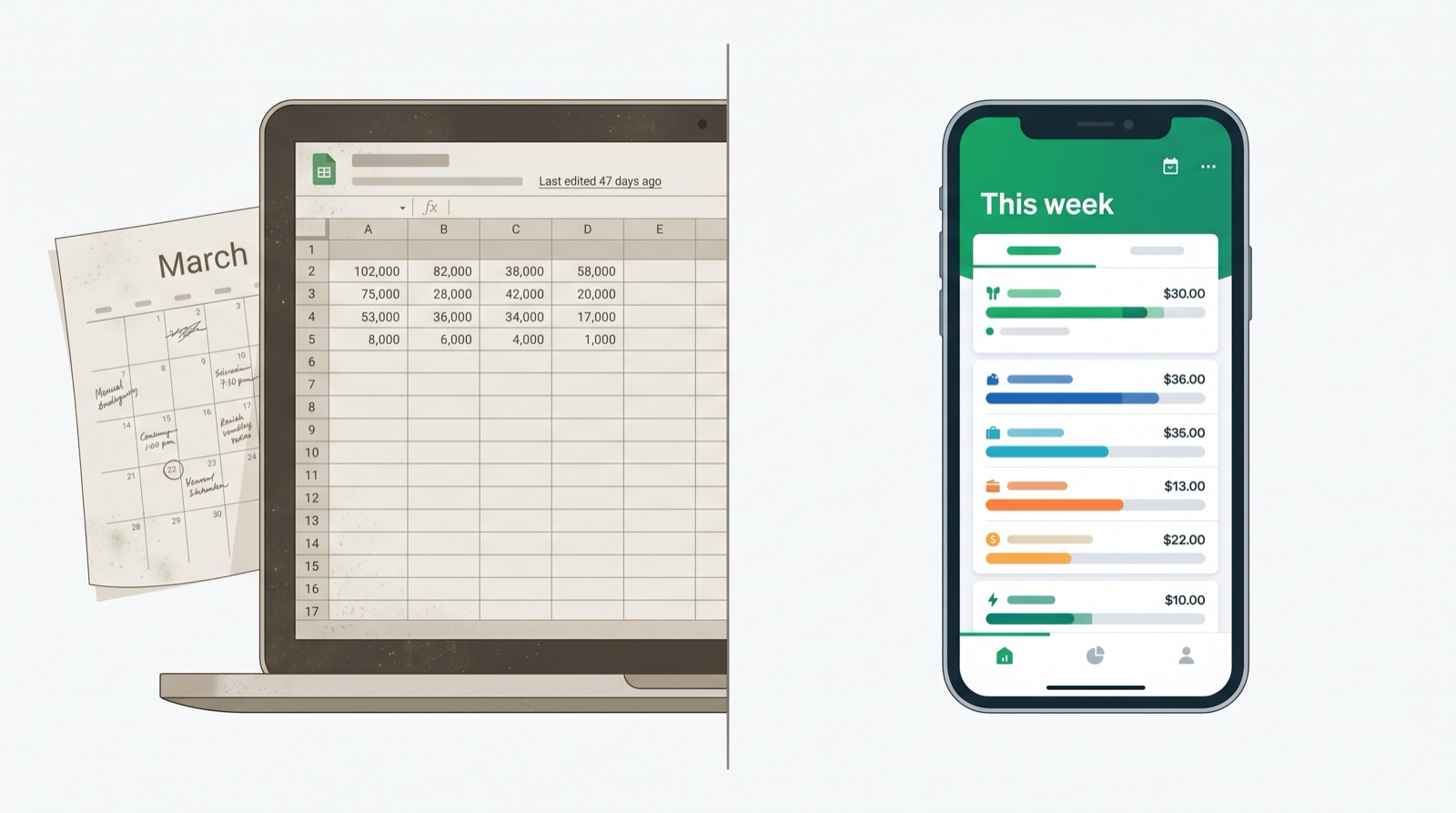
Where it holds up: If you genuinely enjoy building systems, a spreadsheet beats almost every app on flexibility. You can model anything. You own the data. You can graph what you want and nobody's going to change the UI on you next quarter.
The phrase "if you maintain it" is doing a lot of work in that sentence.
Where it falls apart: The abandonment rate is brutal. Miss a week, then two, and suddenly you're three months behind and the whole sheet feels pointless to fix. The manual entry that felt like a meditation in January feels like a tax in March. A 2023 personal finance survey from Intuit found that 65 percent of people who start a budget spreadsheet abandon it within 90 days. The spreadsheet is not the problem. Consistency is the problem, and spreadsheets require more of it than most humans can sustain.
The other issue is that your financial life doesn't sit still. You switch jobs, open a HYSA, move cities, add a card. Every change means re-architecting the sheet, and that's usually the moment people quietly stop.
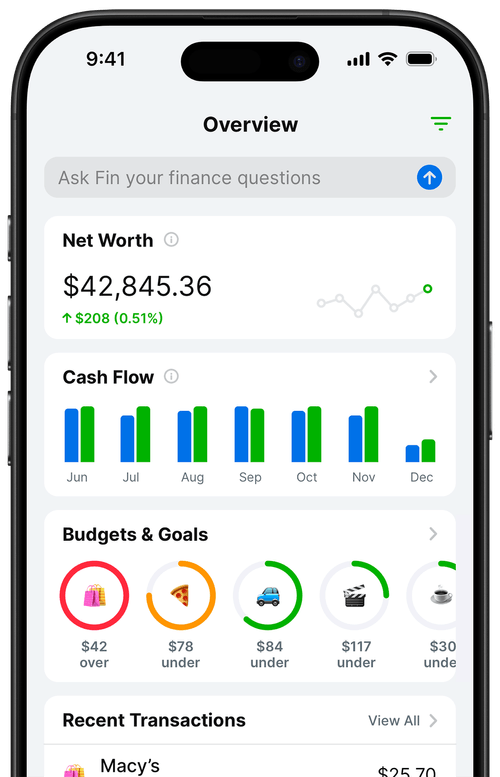
Should you just use a dedicated app?
A dedicated app automates the part that kills every other method: consistency. You connect your accounts once, and transactions show up on their own. Categorization happens in the background. You open the app and your financial life is already there, current as of this morning.
I'm biased here because I built Balance Pro, and I've been running it since 2014. I built it because I wanted a personal finance app that did what I needed without the price tag and complexity of what was already out there. More than a decade of running it has made me confident in one thing: the method people keep using is almost always the one with the least friction.
Where it holds up: This is the only method I've seen consistently survive contact with real life. No entry to miss, no sheet to break. A good app also surfaces patterns you'd never catch in a monthly scroll, like the fact that your food delivery tripled in November or that you've been paying for two streaming services you forgot existed.
Where it falls apart: The trade-off is privacy. To get automatic sync, you're granting read-only access to your accounts through a third party. My app uses Plaid, which powers bank connections for thousands of financial apps, and the integration is read-only. It can see transactions. It can't move money. Connecting anything is still a decision worth making on purpose. If that's a dealbreaker, a manual-entry plan gives you the category structure and the charts without touching your accounts.
How do the four methods compare?
If you want the whole picture on one screen, here it is.
| Method | Effort per week | One-year survival rate | Best for |
|---|---|---|---|
| Mental accounting | None | High (because nothing to quit) | Simple finances, low variance, one income |
| Bank alerts and statements | 15 to 30 min/month | Medium | People who want awareness without admin |
| Spreadsheets | 30 to 60 min/week | Low (around 35 percent past 90 days) | People who genuinely enjoy building systems |
| Dedicated app | 5 to 10 min/week | High | Everyone who's tried the other three |
The survival rate column is the one most people ignore and the one that matters most. A method you'll abandon is worth nothing on day 90, and your net worth won't care how clever your spreadsheet was in January.
Which method should you actually pick?
The one you'll still be using in September.
A perfect spreadsheet you stop updating in February is worth less than a basic app you open twice a week. An elaborate system you abandon beats no system only in the month you built it.
Three questions usually decide it:
- How complex are your finances? One account, one income: mental accounting plus monthly reviews is probably enough. Multiple accounts, variable income, or a side business: you need a dedicated tool, no way around it.
- How consistent are you with manual work? If you've tried a spreadsheet twice and it died both times, the spreadsheet is not the problem. Accept the data and switch.
- What are you trying to accomplish? Paying off debt, saving for a specific goal, or hitting a number: you need precise tracking. Just making sure you don't overspend: a lighter setup works.
Most people start with mental accounting, graduate to a spreadsheet after a financial scare, and eventually land on an app once they're tired of not knowing. Skipping straight to the app saves a couple of years.
How often should you check your spending?
Once a week, five to ten minutes. More than that is theater. Less than that and you're reacting instead of adjusting.
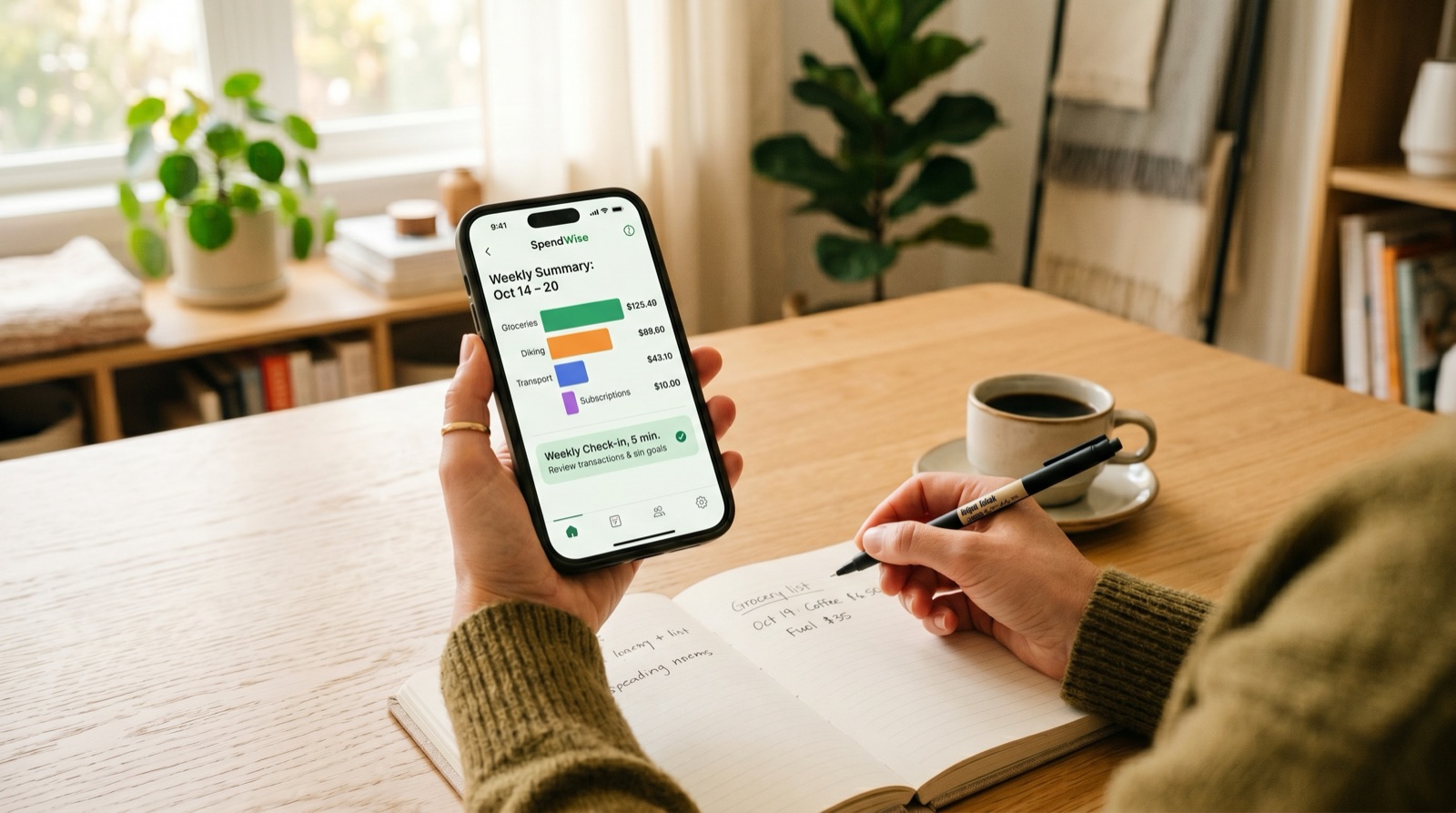
My actual routine, which I do on Monday mornings with coffee:
- Open the app. Scan last week's transactions for anything miscategorized.
- Check category progress for the month. Anything already over budget?
- Note anything coming up that needs money set aside. Concert tickets, a flight, an annual renewal.
- Close the app.
Daily check-ins only make sense if you're in active debt payoff or running a tight budget. Monthly is the floor, and monthly means you're always a month late to your own decisions.
What categories actually matter?
Broad categories hide the patterns that matter. "Miscellaneous" is where overspending goes to hide. These are the categories I use and recommend:
- Housing. Rent or mortgage, utilities, renters or homeowners insurance.
- Groceries. Kept separate from dining out, because combining them is how people lie to themselves.
- Dining out. Restaurants, takeout, coffee shops, delivery.
- Transportation. Car payment, gas, insurance, parking, rideshare, transit.
- Healthcare. Premiums, copays, prescriptions, dentist.
- Subscriptions. Streaming, software, gym, anything recurring.
- Personal care. Haircuts, toiletries, anything you buy to maintain yourself.
- Entertainment. Concerts, hobbies, activities that aren't subscriptions.
- Savings and investing. Treat this as a non-optional expense.
The split between Groceries and Dining Out is the single most useful category change for most people. Combine them and dining out looks reasonable. Split them and the gap is usually obvious. Balance Pro lets you add custom categories for anything specific to how you actually live.
What should you actually look for in your spending data?
Tracking is not the goal. The decisions it enables are the goal. A folder full of categorized transactions is worth nothing if you never turn it into an actual change. These are the four things I look at every month, and the order I look at them in.
1. The category that quietly grew. Compare this month to a rolling three-month average, not last month. Monthly comparisons are too noisy. A category that's up 40 percent against its three-month average is the signal. It's almost always a lifestyle creep pattern that compounded without you noticing, and it's almost always reversible once you can see it.
2. The forgotten recurring charge. Every few months, filter for recurring or subscription-tagged transactions and read the list out loud. If you can't remember signing up for it or actively using it in the last 60 days, cancel it that day. A $14 subscription you forgot costs $168 a year, and most people are carrying four or five of these.
3. The gap between grocery and dining. This is the single most useful diagnostic in personal finance. If dining out is more than about 40 percent of your combined food spending, you're either under-shopping or over-convenience-spending. Neither is a moral failure. Both are solvable in a week.
4. The ratio of fixed to discretionary. Add up the fixed costs (rent, insurance, subscriptions, debt minimums). If they're over 65 percent of take-home, you're structurally tight before any choice you made this month. That's a housing or income problem, not a Starbucks problem, and no amount of tracking fixes it. The value of knowing is that you stop blaming yourself for spending that isn't actually the issue.
What are the five mistakes that make people quit?
I've watched friends start and abandon tracking systems dozens of times. The failure mode is almost never willpower. It's almost always one of these five setup problems.
- Too many categories. If you have 35 categories, you're going to miscategorize half of them, get frustrated, and quit. Start with ten or fewer. You can always split later.
- Starting in a weird month. Don't start tracking in December, the month you move, or the week of a wedding. Your first month's data will look nothing like normal and you'll draw the wrong conclusions. Start on the first of a boring month.
- Trying to track every dollar perfectly. A 95 percent accurate system you'll maintain beats a 100 percent accurate system you'll abandon. If a transaction is hard to categorize, put it in Miscellaneous and move on. The goal is patterns, not perfection.
- Treating the budget as a rulebook. If you go over in a category, the budget isn't broken. Your estimate was. Adjust the number and keep going. People who treat overages as moral failures quit within two months.
- No weekly check-in. Without a standing five-minute review, tracking is just a passive archive. The review is what turns data into decisions. Put it on your calendar the same way you'd schedule a workout.
How do you restart after you've fallen off?
Everyone falls off. I've fallen off. The people who succeed long-term aren't the ones who never miss a week. They're the ones who have a low-friction way to restart, so a missed week doesn't turn into a missed quarter.
If you haven't opened your tracker in a month or more, don't try to reconstruct. That's the mistake. Trying to backfill six weeks of forgotten transactions is what makes people decide tracking isn't for them. Instead:
- Write off the gap. Whatever happened during your missed weeks is gone. Accept it. The data loss isn't the problem.
- Start fresh from today. Open the app, look at your account balances as they are right now, and treat that as your starting point. You're not behind. You're starting this week.
- Do one weekly check-in. Just one. Don't commit to three months of perfect tracking. Commit to Monday morning, five minutes, once. Prove to yourself the habit is small.
- Add one category at a time. If your previous system had 20 categories and felt overwhelming, restart with five. You can always grow into complexity. You can rarely grow out of it.
The people I know who've tracked for five plus years all have restart stories. The system isn't a streak you break. It's a tool you pick back up.
Getting started with Balance Pro
If you want to try the app version: Balance Pro runs on iOS, Android, and web. Premium is $47.99 a year and includes manual transaction entry, custom categories, budgets, goals, and CSV export. Ultra is $99.99 a year and adds automatic bank sync, auto-categorization, and AI receipt scanning.
Whichever method you pick: the best spending tracker is the one you'll open next Monday. Start simple, build the habit, and add complexity only when the simple version starts leaving information on the table.
Frequently Asked Questions
What is the best way to track spending?
A dedicated personal finance app with automatic bank sync. It imports transactions, categorizes them, and shows trends over time without asking you to remember anything. Balance Pro runs on iOS, Android, and web starting at $47.99 a year. Manual-entry apps and monthly statement reviews are reasonable alternatives if connecting accounts isn't something you want to do.
Is tracking your spending actually worth it?
Yes. People who track spending consistently typically spend 10 to 20 percent less, purely from the awareness of where money goes. The act of reviewing a purchase, even after the fact, creates accountability that quietly reduces future impulse spending. Accurate spending data is also the foundation of any realistic budget or savings goal.
How do I track spending without a spreadsheet?
Three options. Monthly bank statement reviews are free but backward-looking. Bank push alerts give real-time awareness with no data entry. A budgeting app with automatic import is the lowest-friction method most people actually maintain. All three beat a spreadsheet you'll abandon by March.
What spending categories should I use?
Housing, Groceries, Dining Out kept separate from Groceries, Transportation, Healthcare, Subscriptions, Personal Care, Entertainment, and Savings. Splitting food into two categories is the single most revealing change most people can make. Add custom categories for anything that's a meaningful line item in your life.
How long does tracking spending take each week?
With a budgeting app that syncs automatically, five minutes a week is realistic. You're reviewing and spot-checking, not entering data. Manual tracking in a spreadsheet or a manual-entry app usually takes 15 to 30 minutes depending on how many transactions you have.
For a real-world look at what 180 days of consistent tracking actually does to a person's spending, a friend let me walk through her data in I tracked every dollar for 6 months: here's what changed. Specific dollar amounts, month by month.